
NinjaTrader vs Tradovate (2026): Which Futures Platform Wins?

NinjaTrader and Tradovate are the two most-asked-about futures platforms on the market, and they share a parent company. NinjaTrader Group acquired Tradovate in 2022, and Kraken acquired NinjaTrader Group in March 2025. Logins, brokerage routing, and account funding are now shared, but the two products remain distinct: different interfaces, different feature sets, different audiences. Picking between them is really a decision about workflow.
Key Takeaways
- Tradovate is the right pick for new futures traders, Mac users, and anyone who already lives in TradingView. It runs in a browser, on iOS, and on Android, with native TradingView order routing.
- NinjaTrader is the right pick for advanced desktop traders who want full control of charts, NinjaScript automation, and low-latency execution on a Windows machine.
- Both products share the same brokerage, so the choice is about which interface fits your workflow, not which brokerage to fund.
Get Your Free Trading Resources
Grab the free trading journal template plus the same tools we use to stay organized, consistent, and objective.
- Free trading journal template
- Custom indicators, watchlists, and scanners
- Access our free trading community
Enter your email below to get instant access.
No spam. Unsubscribe anytime.
NinjaTrader vs Tradovate at a Glance

NinjaTrader Group acquired Tradovate in 2022, and Kraken acquired NinjaTrader Group in March 2025. Both products share ownership, brokerage routing, and login credentials, but they remain separate platforms with different interfaces and different ideal users. Funds sit in one brokerage account that either platform can trade from, which means a trader can switch interfaces without moving money.
| Feature | NinjaTrader | Tradovate |
|---|---|---|
| Platform type | Windows desktop application | Cloud, browser, iOS, Android |
| Mac support | Parallels, Boot Camp, or VPS only | Native (runs in browser) |
| Mobile app | Limited companion app | Full-featured iOS and Android |
| Free version | Free for charting and simulation | Free plan with real trading enabled |
| TradingView integration | No | Native order routing from TradingView charts |
| Account opening | NinjaTrader Brokerage | Same NinjaTrader Brokerage |
Who Should Pick NinjaTrader
NinjaTrader is the right pick when the trader wants total control of the desktop charting and execution stack and is willing to climb a steeper learning curve to get it. The platform leads on three things competitors do not match cleanly: deep charting with hundreds of third-party indicators in the NinjaTrader Ecosystem, NinjaScript automation that lets traders code custom strategies and indicators in C#, and low-latency execution on a Windows machine measured in single-digit milliseconds.
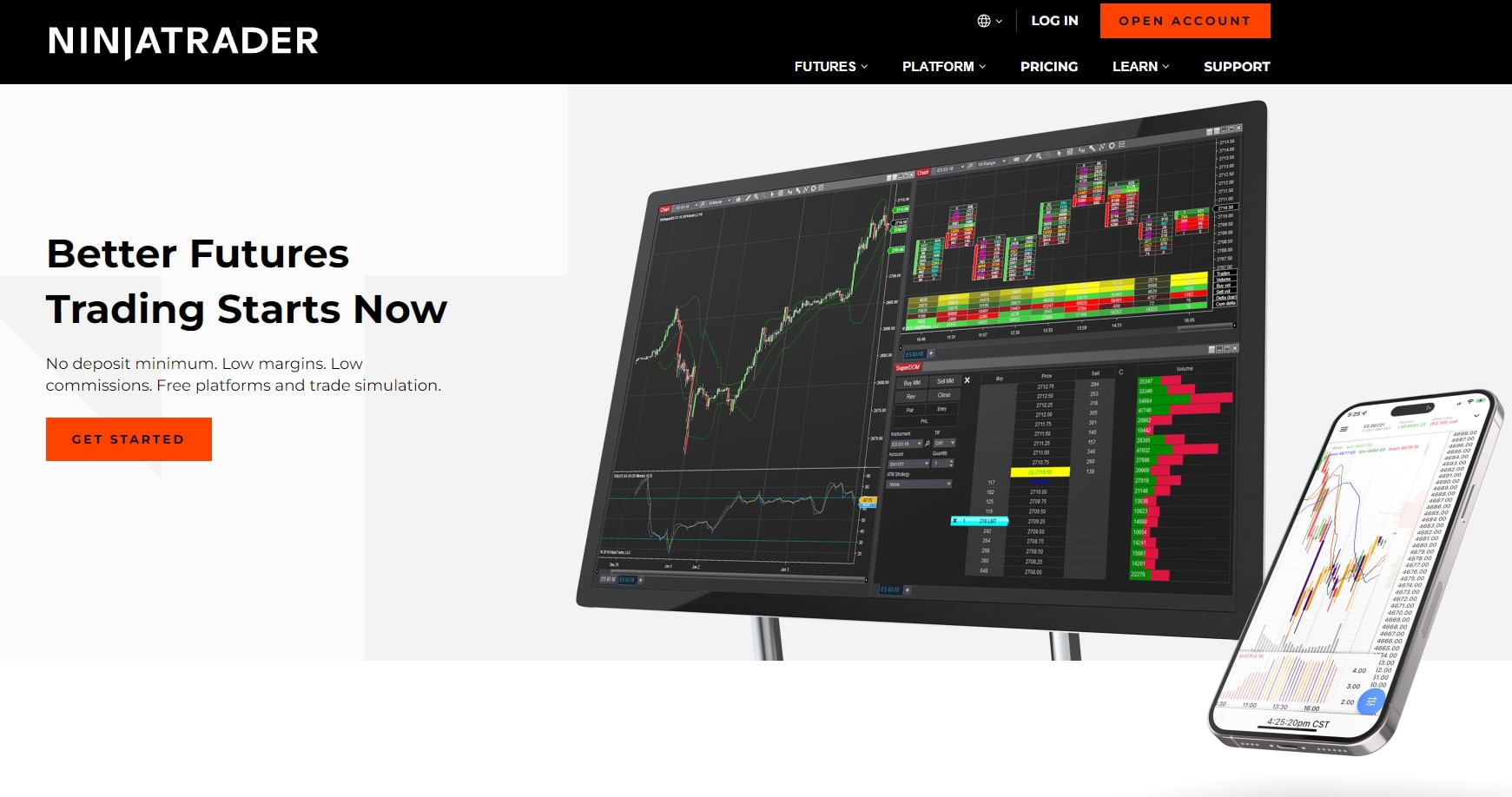
Order Flow Plus, ATM Strategy templates, Market Replay, and Strategy Analyzer give NinjaTrader a deeper toolkit than any cloud-first competitor for traders who want to build, backtest, and automate a strategy on the same desktop. The trade-off is the rest of the stack. NinjaTrader is Windows-only with no native macOS or first-class mobile experience. The platform itself is free for chart analysis and simulation, but live trading on a paid license adds a per-contract surcharge: traders can stay on the free version with a higher commission, lease the Active Trader package for roughly $99 per month, or pay for a one-time lifetime license. Inactive accounts are charged a $25 monthly inactivity fee. Traders weighing NinjaTrader against another desktop heavyweight should also see NinjaTrader vs TradeStation before committing.
Who Should Pick Tradovate
Tradovate is the right pick for new futures traders, Mac users, and traders who already use TradingView for charting. It runs natively in any modern browser, on iOS, and on Android, so the same workflow follows the trader from a desktop to a phone without a Windows machine in the loop. The interface is cleaner than NinjaTrader’s, the onboarding is faster, and the free plan lets a beginner open and fund an account, place real trades, and test the workflow without committing to a monthly platform fee.
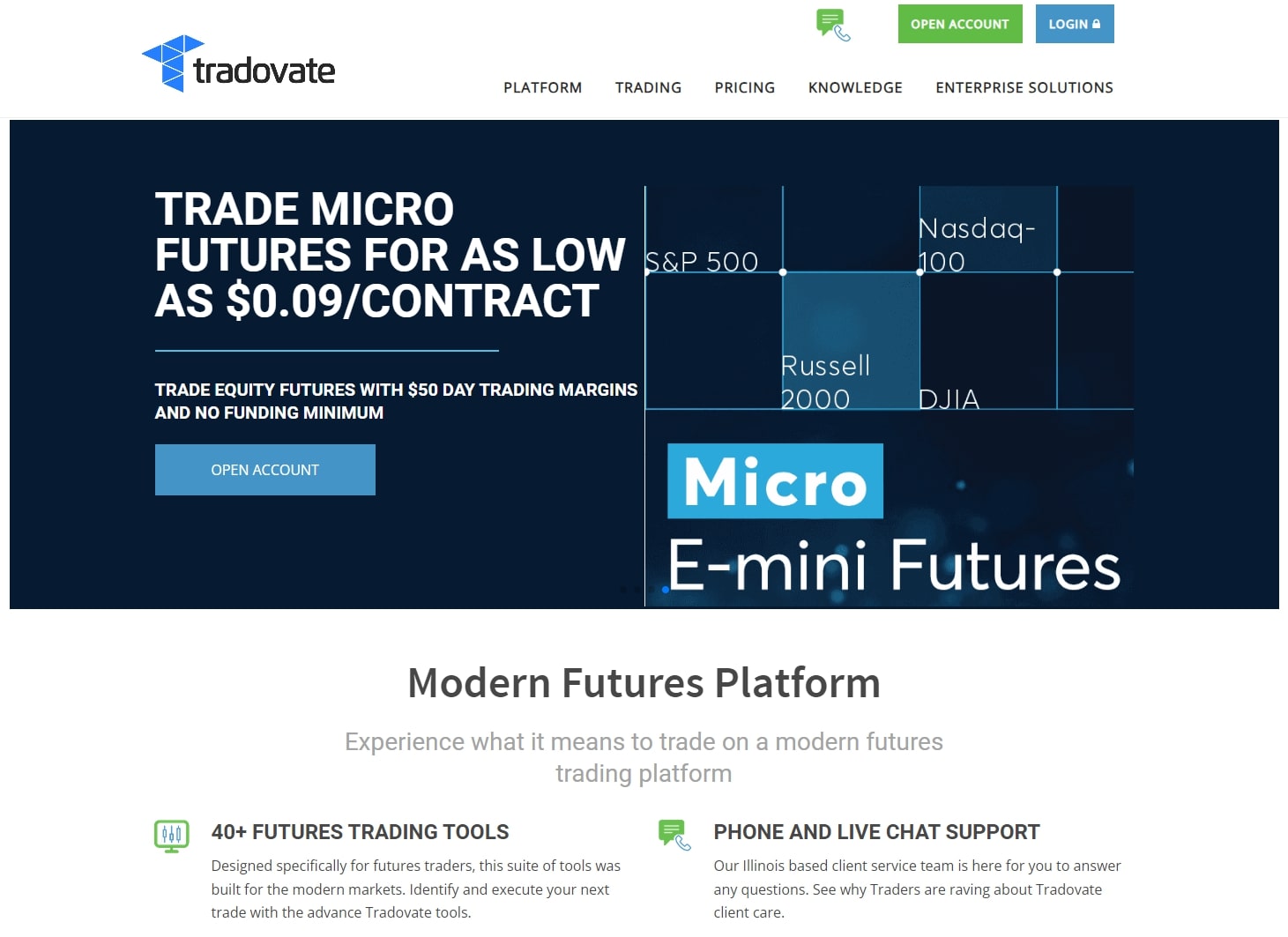
The trade-off shows up at scale. Free-plan commissions run higher than the membership tier, so active traders who push past 30 to 40 round-turn contracts a month typically migrate to the Active Trader plan at roughly $99 per month, which drops per-side commissions into the $0.40 to $0.45 range. Tradovate also has fewer customization hooks than NinjaTrader: no NinjaScript-equivalent automation language, fewer third-party indicator integrations, and a charting engine that, while native to TradingView, sits one layer above the bare metal that NinjaTrader gives a power user. For a trader who values speed of setup and Mac compatibility over scripting depth, Tradovate is still the cleaner answer.
Pricing and Commissions Compared
The real cost of trading either platform is more than the platform fee. Per-contract commissions, exchange fees, NFA regulatory fees, and clearing fees stack on top of the headline number. Active futures traders typically pay something between $1.28 and $2.50 per side once everything is layered in, depending on the platform tier and the contract.
| Cost | NinjaTrader | Tradovate |
|---|---|---|
| Free plan | Free for charting and simulation | Free, real trading enabled |
| Membership tier | ~$99/month lease or one-time lifetime license | ~$99/month Active Trader plan |
| Per-side commission (free tier) | Higher per-side surcharge | Roughly $2.20 to $2.50 after fees |
| Per-side commission (membership) | Discounted on Active Trader license | Roughly $0.40 to $0.45 after fees |
| Inactivity fee | $25/month after a period of no activity | None |
| Free trial / sim | Yes, included free | Yes, included free |
Active Trader breakeven on Tradovate sits at roughly 30 to 40 round-turn contracts per month: at that volume the per-side savings outweigh the $99 monthly fee. Anyone trading less consistently is usually better off on the free plan with the higher per-side commission. The math is simple: at $2.30 per side average, 35 round-turn contracts costs about $161 a month in commissions on the free plan; on the Active Trader plan, the same 35 contracts cost about $30 in commissions plus the $99 platform fee, or $129 total. The break-even point shifts contract by contract because exchange fees vary across the E-mini S&P (ES), Micro E-mini S&P (MES), Crude Oil (CL), Gold (GC), and Nasdaq (NQ) families, but 30 to 40 round-turns a month is the working approximation most traders use.
Traders who want a single brokerage that covers stocks, options, and futures should also see TradeStation vs Tradovate before committing to a futures-only stack.
Mobile, Mac, and TradingView Integration
This is the single biggest workflow difference between the two platforms. Tradovate is cloud-first: it runs in any modern browser, on iOS, and on Android, with the same order ticket and the same account state across every device. NinjaTrader is a Windows desktop application with no native macOS client and no first-class mobile trading app. Mac users either run NinjaTrader inside Parallels or Boot Camp, rent a Windows VPS, or pick Tradovate.
Tradovate also routes orders directly through TradingView. A trader who already does charting and analysis in TradingView can connect a Tradovate account, place orders straight from the chart, and never leave the browser tab. NinjaTrader does not offer that integration. Anyone choosing primarily on charting workflow should see the full TradingView vs Tradovate breakdown for the order-routing and analytics trade-offs.
Best for Prop Firm Traders
The modern futures prop ecosystem split largely along platform lines. Tradovate is the execution layer for many of the most popular evaluation and funded programs: Apex Trader Funding, TopstepX, Take Profit Trader, and several smaller firms route their funded accounts through Tradovate because the cloud-first model lets a prop firm provision an account quickly and maintain risk controls at the platform layer.
NinjaTrader still wins for prop traders who want desktop power and NinjaScript automation, and several prop firms continue to support NinjaTrader as the trader-side platform with their own clearing relationship. The choice usually comes down to evaluation rules: a one-step evaluation with a daily loss limit and a profit target is easier to pass on Tradovate, where the platform handles risk enforcement automatically; a multi-step evaluation that rewards patience and pattern discipline is sometimes easier on NinjaTrader if the trader is already running NinjaScript-based entries.
Most modern futures prop programs route through one of these two platforms; the best futures prop firms breakdown shows which firms run on Tradovate, NinjaTrader, or both, and what the evaluation rules look like for each.
Tracking Your Futures Performance
Both platforms expose a trade history and a basic profit-and-loss view, but neither produces the structured performance breakdown an active futures trader needs to actually improve. A list of fills will not tell you which contract you trade best, what time of day your edge is real, or how your hold duration correlates with profitability. That layer has to come from a dedicated trading journal.
For a beginner, the free trading journal template for Google Sheets is enough to start logging trades manually and measuring performance against the S&P 500. For automated import and deeper analytics, the Financial Tech Wiz Trading Journal accepts CSV uploads of trade history from either Tradovate or NinjaTrader, then breaks performance down by symbol, time of day, and hold duration, with an equity curve plotted against benchmarks like SPY and QQQ. Futures traders typically find the time-of-day breakdown is the most actionable view: it surfaces whether the trader’s edge is concentrated in the regular trading hours session, the overnight CME Globex session, or specific economic-data windows like the 8:30 AM ET releases that move the ES, NQ, and CL contracts.
NinjaTrader vs Tradovate: Bottom Line
If you are a new futures trader, a Mac user, or already heavy in TradingView, pick Tradovate. If you want desktop charting depth, NinjaScript automation, and low-latency execution on a Windows machine, pick NinjaTrader. If you are a prop firm trader, the platform decision usually follows the prop firm’s choice, so check the firm’s supported platforms before committing. Either way, the brokerage account is the same, so the decision is reversible: a trader can switch interfaces without moving funds.
Frequently Asked Questions
Is NinjaTrader the same as Tradovate?
No. NinjaTrader Group acquired Tradovate, and the two products now share ownership, brokerage routing, and login credentials, but they remain two separate platforms with different interfaces, different feature sets, and different audiences. Funding sits in one brokerage account that both can trade from.
Is Tradovate or NinjaTrader better for beginners?
Tradovate is friendlier for new futures traders. It runs in a browser and on mobile, has a cleaner interface, integrates with TradingView for charting, and the free plan lets a beginner open an account and place trades without paying a monthly platform fee. NinjaTrader is more powerful but has a steeper learning curve.
Does NinjaTrader work on Mac?
No. NinjaTrader is a Windows desktop application with no native Mac client. Mac users either run NinjaTrader through Parallels or Boot Camp, use a cloud VPS with a Windows image, or pick Tradovate (which runs in a browser on macOS).
How much does Tradovate cost?
Tradovate offers a free plan with no monthly fee but higher per-contract commissions (roughly $2.20 to $2.50 per side after exchange and regulatory fees as of 2026). The Active Trader plan is around $99 per month and drops per-side commissions to roughly $0.40 to $0.45. Most traders break even on the Active Trader plan once monthly volume crosses 30 to 40 round-turn contracts.
Can I use my NinjaTrader login on Tradovate?
Yes. Since the unification, a NinjaTrader Group account funds and logs into both platforms. Account funding sits in one place; the trader chooses which interface to execute from.
Traders who prefer browser-based charting over NinjaTrader’s desktop interface should also see TradingView vs Tradovate, since most TradingView users running futures route their orders through Tradovate.
For traders deciding between NinjaTrader’s desktop execution tools and TradingView’s cloud-based charting environment, see the full breakdown of how NinjaTrader compares to TradingView on features, pricing, and the official broker integration.
Get Your Free Trading Resources
Grab the free trading journal template plus the same tools we use to stay organized, consistent, and objective.
- Free trading journal template
- Custom indicators, watchlists, and scanners
- Access our free trading community
Enter your email below to get instant access.
No spam. Unsubscribe anytime.







