
TradingView vs NinjaTrader: Charting Platform vs Futures Brokerage
Compare TradingView and NinjaTrader on charts, execution, pricing, and integration. Find out which platform fits your futures or multi-market trading setup.
Compare TradingView and NinjaTrader on charts, execution, pricing, and integration. Find out which platform fits your futures or multi-market trading setup.
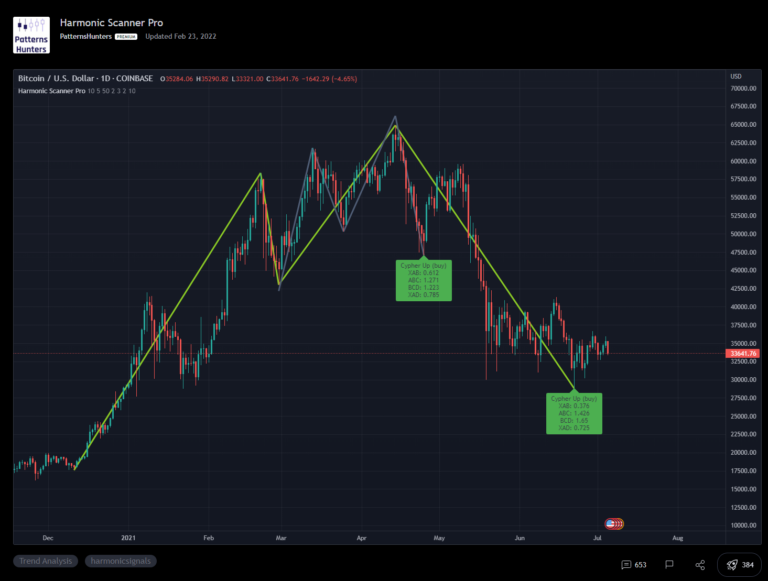
Harmonic patterns use Fibonacci ratios to identify potential price reversals before they happen. The patterns are precise, but spotting them manually on a live chart is tedious and error-prone. A harmonic scanner on TradingView automates that detection so you can focus on confirmation and entry. Key Takeaways Financial Tech Wiz Trading Journal Track Which Harmonic…
TradingView alerts let you watch the market without sitting at the chart. You can fire a notification when a price hits a level, when an indicator crosses a value, when a trendline breaks, or when a strategy condition triggers. This guide walks through every alert type, plan limits, and the setup steps for both the…
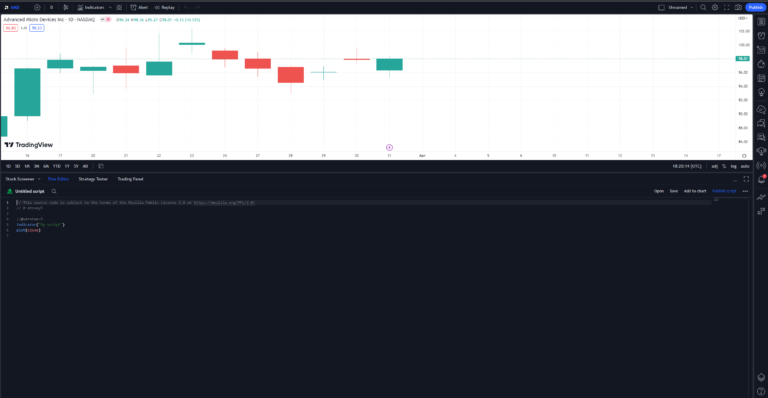
Every custom indicator and strategy on TradingView is built with one tool: Pine Script, TradingView’s own programming language. If you have ever wanted to tweak an indicator, run someone else’s script, or code your own setup instead of paying for a black box, this is where you start. This guide walks you from opening the…
A saved chart layout is the difference between opening TradingView and getting back to work versus rebuilding your indicator stack and drawings from scratch every morning. Saving a layout takes one shortcut (Ctrl+S on Windows, Cmd+S on Mac) and gives you a clean way to keep separate setups for different markets, timeframes, and trade plans….
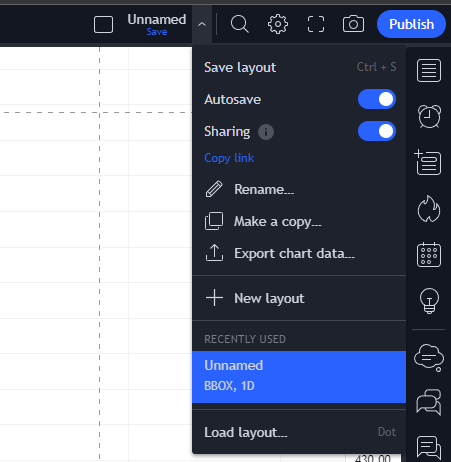
When you spot a clean setup or want to walk someone through your analysis, TradingView makes it easy to share your work. But there are actually four different sharing methods, and most guides only cover one. Here is the full breakdown: view-only links, snapshots, published ideas, and indicators, including what works on a free account…
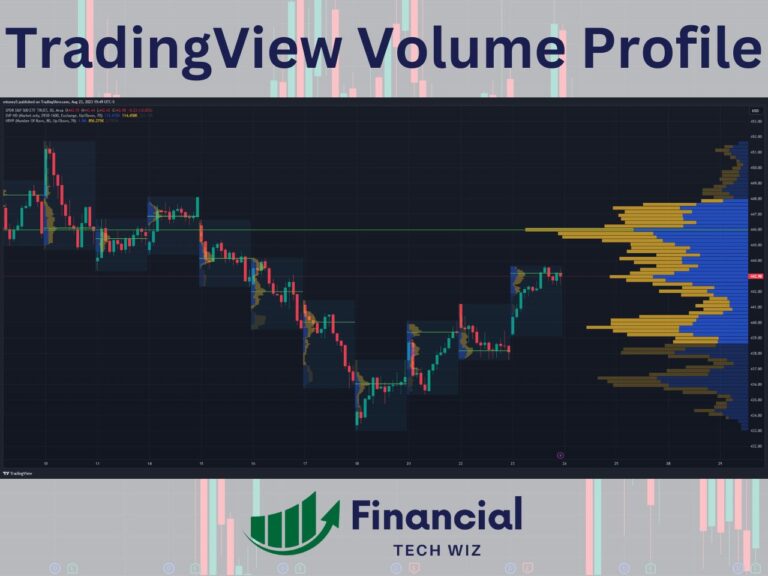
TradingView‘s free indicators cover most of what a trader needs to get started, but the platform also runs a full marketplace of paid, third-party indicators built by independent script authors. Some are genuinely worth the subscription; a lot are not. This guide explains what TradingView’s paid indicators actually are, how the marketplace works, what to…
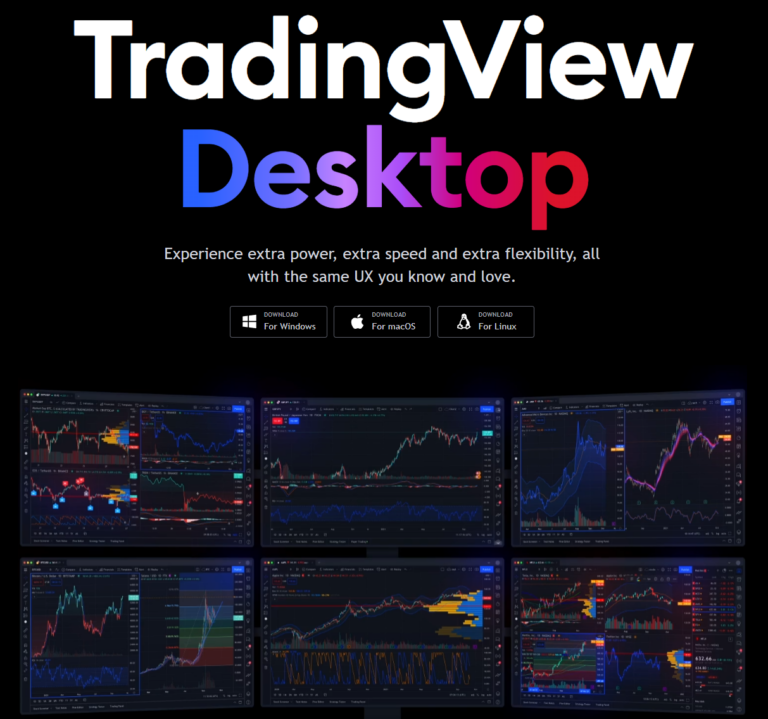
TradingView’s web charts are the industry default, but the desktop app is a different product: native multi-monitor support, faster chart redraws, OS-level keyboard handling, and offline tab persistence. This guide covers how to download and install the app on Windows, Mac, and Linux, what changed in the 3.0 release, and when the desktop version is…
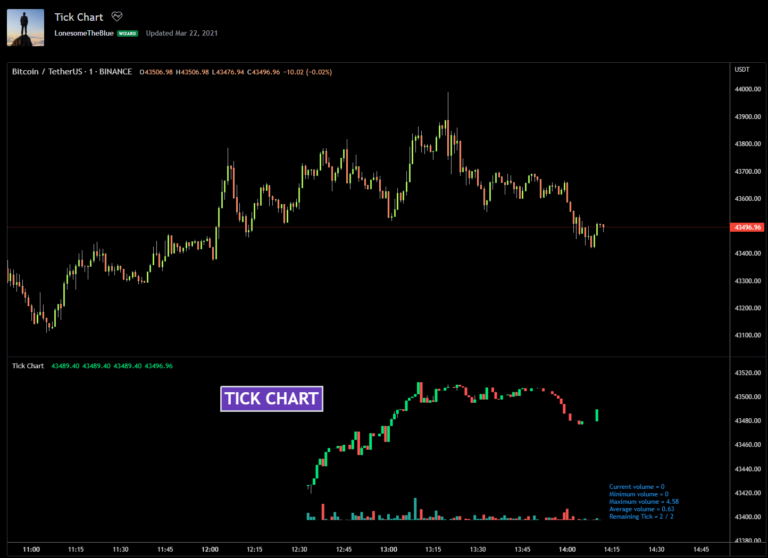
Tick charts record a new bar after a fixed number of transactions rather than after a fixed amount of time. That one difference changes how a chart reads at market open, during news events, and in the slow midday tape. Here is everything you need to know about using tick charts on TradingView, including the…
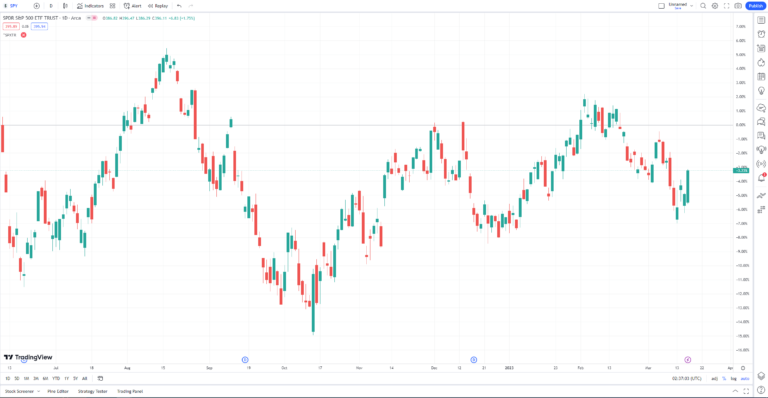
TradingView is a charting and analysis platform built for technical traders. Webull is a US brokerage built for commission-free execution. As of 2026 the two are no longer alternatives: you can connect your Webull account inside TradingView and trade Webull stocks, ETFs, and options directly from a TradingView chart. This guide covers how the integration…
Financial Tech Wiz / Free resources
Start with the free trading journal template. Keep your trades organized, review your results, and build a consistent review routine.
Ready for automatic trade tracking? Explore the Financial Tech Wiz Trading Journal.
Free resources + trading emails. Unsubscribe anytime.
Financial Tech Wiz / Free resources
Get the free trading journal template, plus tools to keep your trading organized.
Free resources + trading emails. Unsubscribe anytime.